
Where Koxiv delivers value in your industry
Same logic everywhere: indexes folders, search in the content (PDF, DOCX, spreadsheets, reports…). Below, examples by area — open your sector page and go straight to 15 day trial if that makes sense.


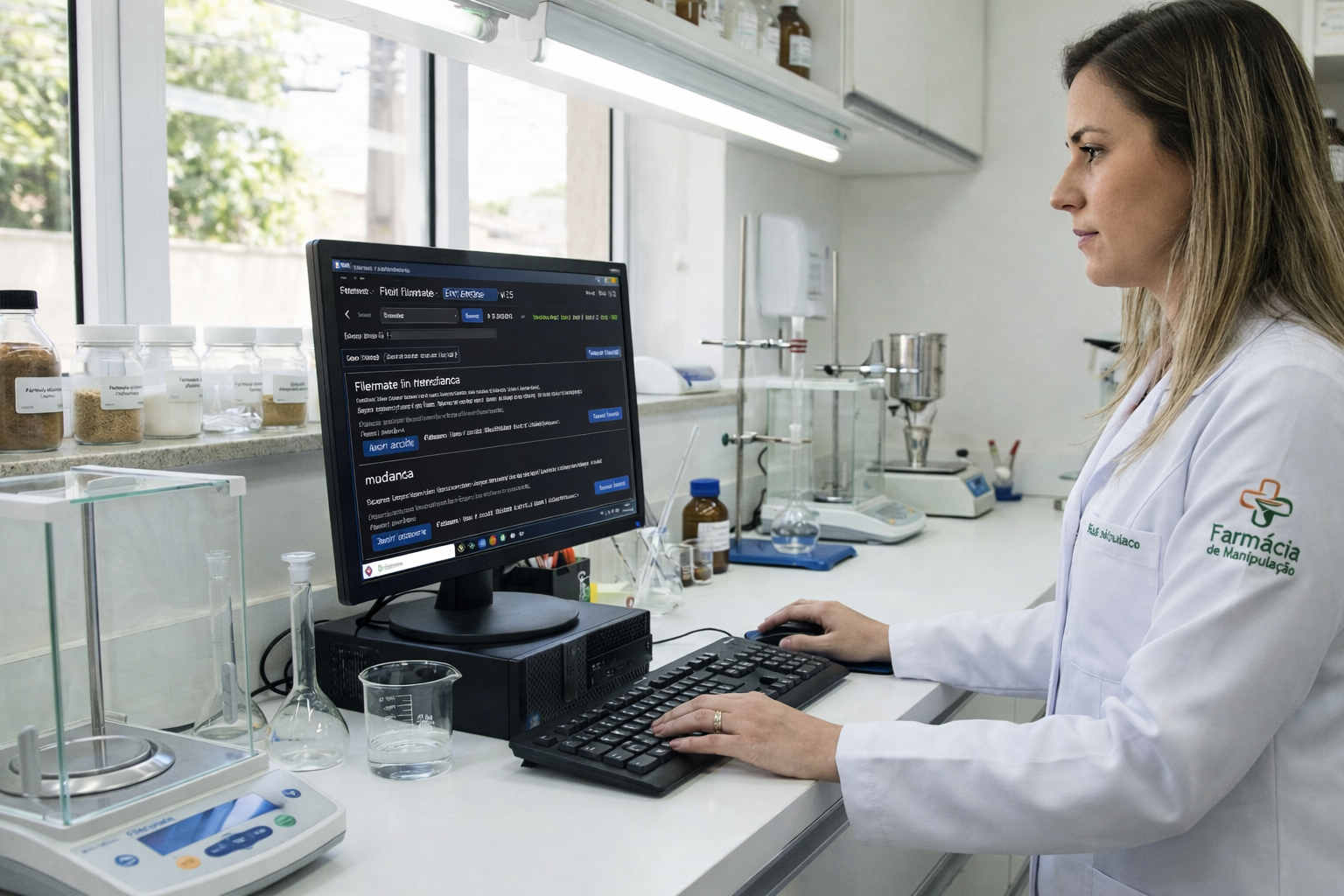







Didn't find your sector? No problem — Koxiv works for documents and routine. If you deal with PDFs, images, DOCX, spreadsheets and crowded folders, you can adapt easily.
What changes in your day-to-day
Koxiv becomes your official shortcut to find information, cut noise, and add predictability to operations — especially when you need to respond quickly, prove what was done or simply can't waste time searching for files.
⏱️ Lap time
You stop hunting for files and start solving. The search is direct in the content, the way the brain searches.
🧾 More evidence, less doubt
When information appears quickly, you respond with confidence. Less rework, less “where’s that PDF?”
📌 Predictable process
Consistent organization: every customer, equipment or project with accessible history — ideal for team and audit.
How it works in practice
You install it, point to the folders you already use, and Koxiv does the heavy lifting of indexing. From then on, searching becomes a matter of seconds — without having to remember where you saved it.
Test in your real scenario
Choose the sector closest to your routine, validate it with your own documents and see if Koxiv becomes your new search standard.
Common questions
Is Koxiv only for a specific sector?
No. The pages by sector are there to show real use cases. Koxiv works for any routine that deals with documents and needs quick search, history and standardization.
Do I need to rearrange my folders to use?
No. You can start with your current structure and evolve later. The idea is for you to gain speed now and optimize the rest calmly.
Which plan makes sense for me?
Start with the test, validate the time saved and choose the plan based on your volume and routine. View plans.