
Make operational document libraries searchable—including scans
Koxiv indexes the folders you authorize so front desk, billing, and admin staff find reports, imaging PDFs, intake packets, and policies by keyword, date, patient or account reference, or text inside the file (OCR when the scan is sharp enough). Less time lost on shared drives, fewer “who has that PDF?” loops.
No registration required to download · Free trial for 15 days · No card required
Why does this become a priority at the clinic?
In a clinic, time disappears into micro-delays: searching for an exam, locating an old report, confirming a history, interrupting colleagues, opening several folders. This affects workflow, quality of service, and patient experience. Koxiv reduces friction and makes access to information predictable.
If the volume grows, folders stop being an organization and become a bottleneck. Koxiv solves precisely this invisible step.
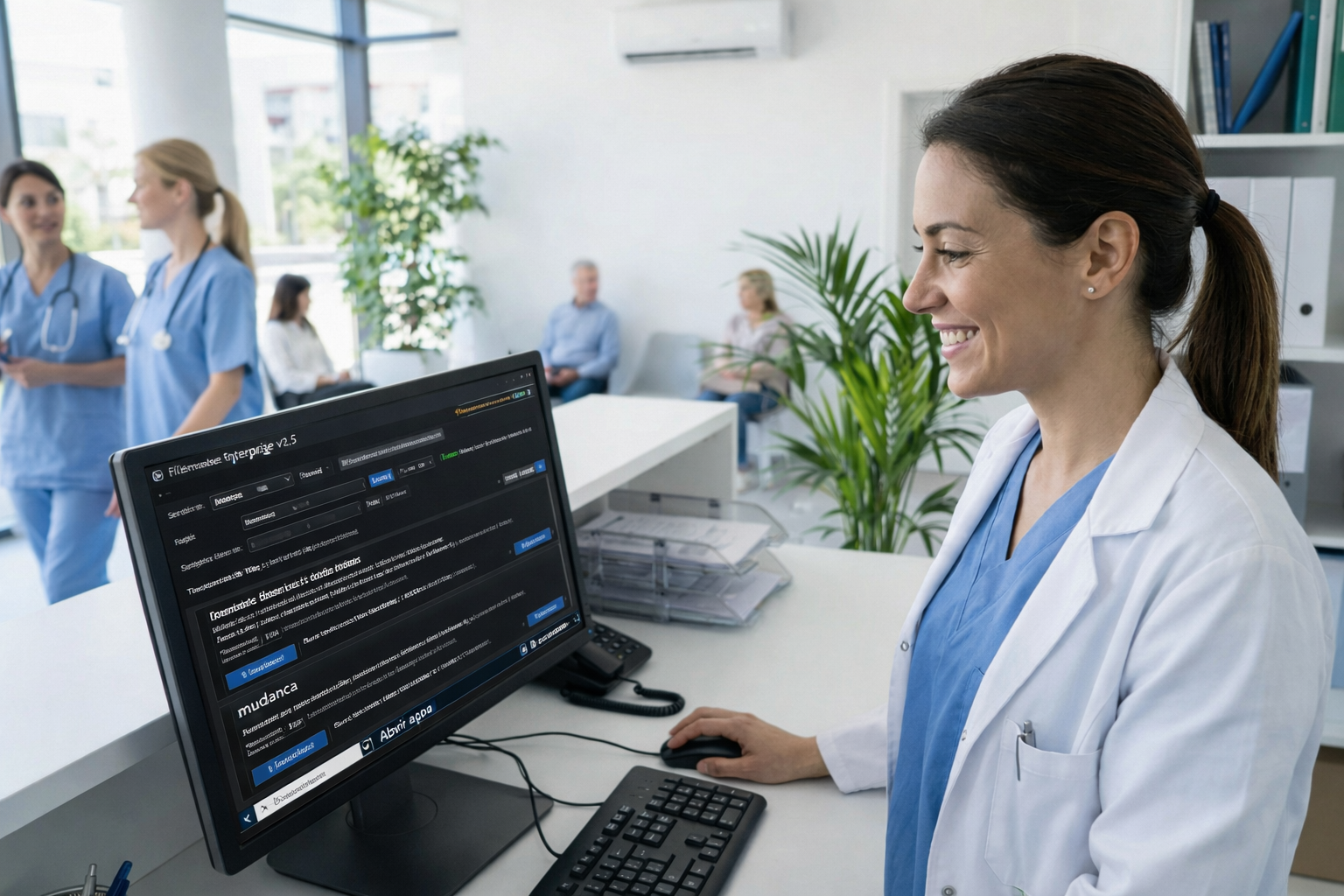
What usually slows the workflow down
- ✓Documents per patient spread across dates, folders and attachments
- ✓Delay in receiving an exam or report
- ✓Outages: does anyone know where it is?
- ✓Risk of getting the wrong file or wrong version
- ✓Team does not find the same way
What changes with Koxiv
- ✓Search by patient, term, date and document references
- ✓Standardization: team meets the same standard
- ✓More fluid service, with fewer pauses and noise
- ✓Organization that scales with volume
- ✓Less reliance on remembering where you saved
Before vs. after
Koxiv does not change your clinical work. It changes what slows you down: finding the right report, imaging study, or PDF on time.
Stop service to search
You open several folders, filter by date, try to remember the file name, ask the team for help and still run the risk of getting the wrong document.
Typical result: delay, interruptions and stress in the flow.
Search for what matters: patient and content
You search by patient, by date, by the end of the report or exam or by reference. The document appears in seconds and the service continues to flow.
Outcome: smoother flow, shared standards, and predictable access.
Test with 1 real patient
Choose a patient with exams and reports and carry out 5 real searches that you would carry out during care.
What Koxiv does and doesn't do
Here is the real scope, for you to decide with complete clarity.
✅ What Koxiv does
- ✓Index folders of reports, exams and patient documents
- ✓Quick search for terms within documents
- ✓Find by patient, date, term and references
- ✓Standardize access for the team
- ✓Reduce interruptions and lost time in the flow
❌ Koxiv is not
- ✓Does not replace medical records, ERP or medical system
- ✓It does not change your clinical process; it reduces operational friction
- ✓Doesn't require rearranging everything to get started
- ✓It doesn't depend on remembering where you saved it
It enters as the layer of search and indexing of your collection, and this changes the rhythm of the clinic.
Get started in about 10 minutes
Registration, installation, select folders and test real searches. Simple and direct.
✅ Optimal test
Choose a patient with tests, reports, and older documents. Search for name, exam term, diagnosis, date and references.
If in 2 or 3 days it becomes standard, you already notice the impact on the flow.
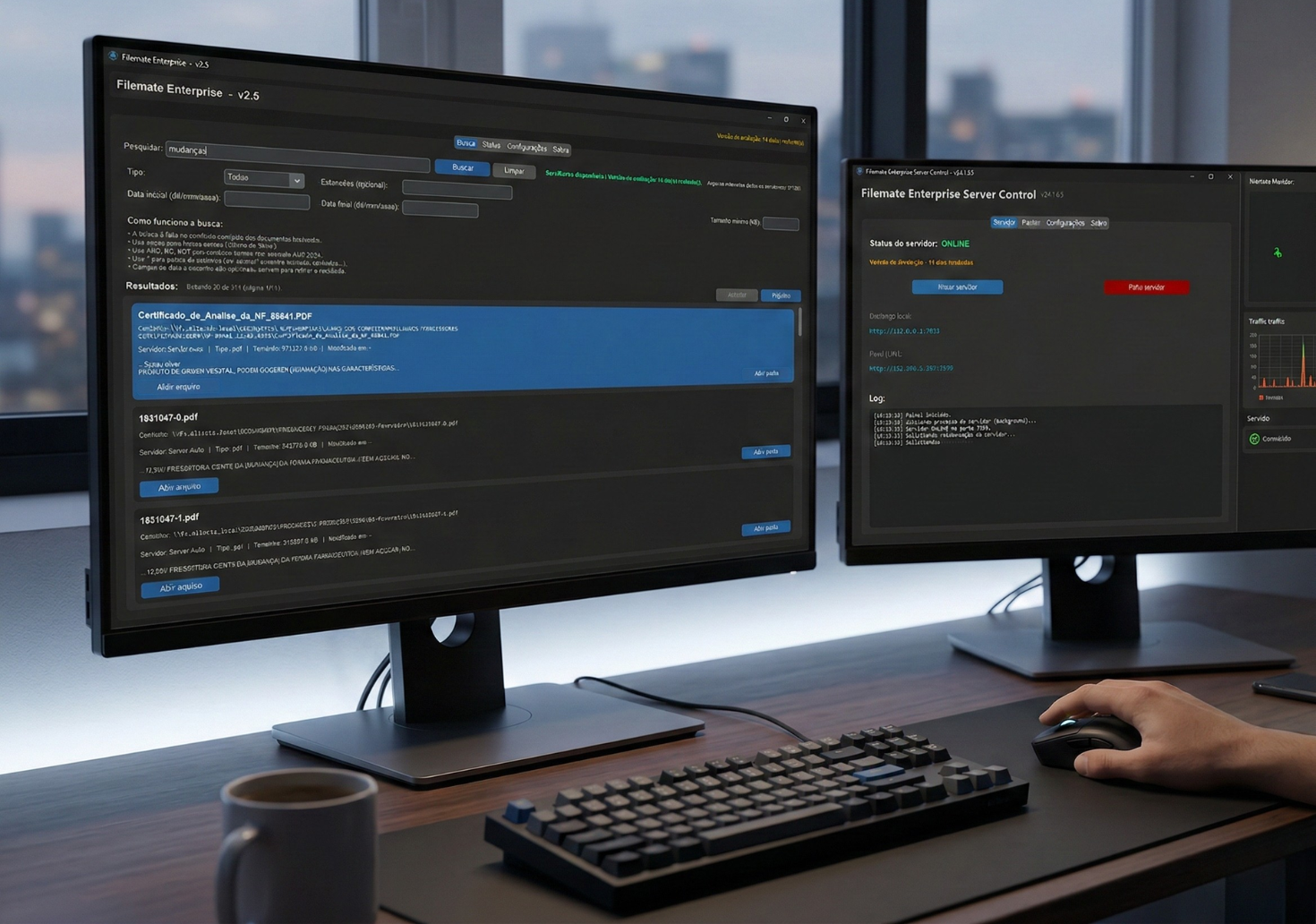
The test is for you to feel the difference in service.
Decision checklist
If these points are part of your routine, Koxiv usually eliminates the bottleneck.
📌 Service with breaks
You need to stop to find documents during the service.
📌 Volume crescente
Tests and reports pile up and turn into a black box.
📌 Team needs standards
You want anyone to feel the same way.
📌Frequent interruptions
You know where you are, it happens all the time.
📌 Risco operacional
Wrong document or wrong version becomes a problem.
📌 Quer fluidez
You want a smooth, predictable flow into the clinic.
Choose a plan and standardize the clinic
The safest way is: activate the test, validate with real patients and sign with conviction.
FAQ completo
Does it work with PDFs of exams and reports?
Yes. You select the folders where exams, reports and documents are located. Koxiv indexes it and you find it quickly.
Can I search by patient, date or report end?
Yes. You search for what you already use in practice: name, terms, dates and references present in the documents.
Do I need to rearrange everything to get started?
No. You start with your current structure. The immediate gain is to reduce the time lost searching.
Does this replace an electronic medical record?
No. Koxiv is the search and indexing layer for the document collection. It complements your clinical system.
How soon will I see value?
In just a few days of real use. If the service becomes more fluid and the team stops looking for files, you'll notice quickly.
Does the free trial have a catch?
No. It exists for you to validate with your own documents. If it doesn't make sense, you don't sign it.
Can I use it on my own?
Yes. Registration, installation, folder selection and search. The page already guides you from beginning to end.
If you experience interruptions to find a report or exam, this is not normal: it is a bottleneck. Koxiv solves exactly this point.