
Koxiv for Technical Assistance
Find history, reports, photos, and evidence on time — by customer, ticket #, model, or serial number.
No registration required to download · Free trial for 15 days · No card required
Why does this become a priority in assistance
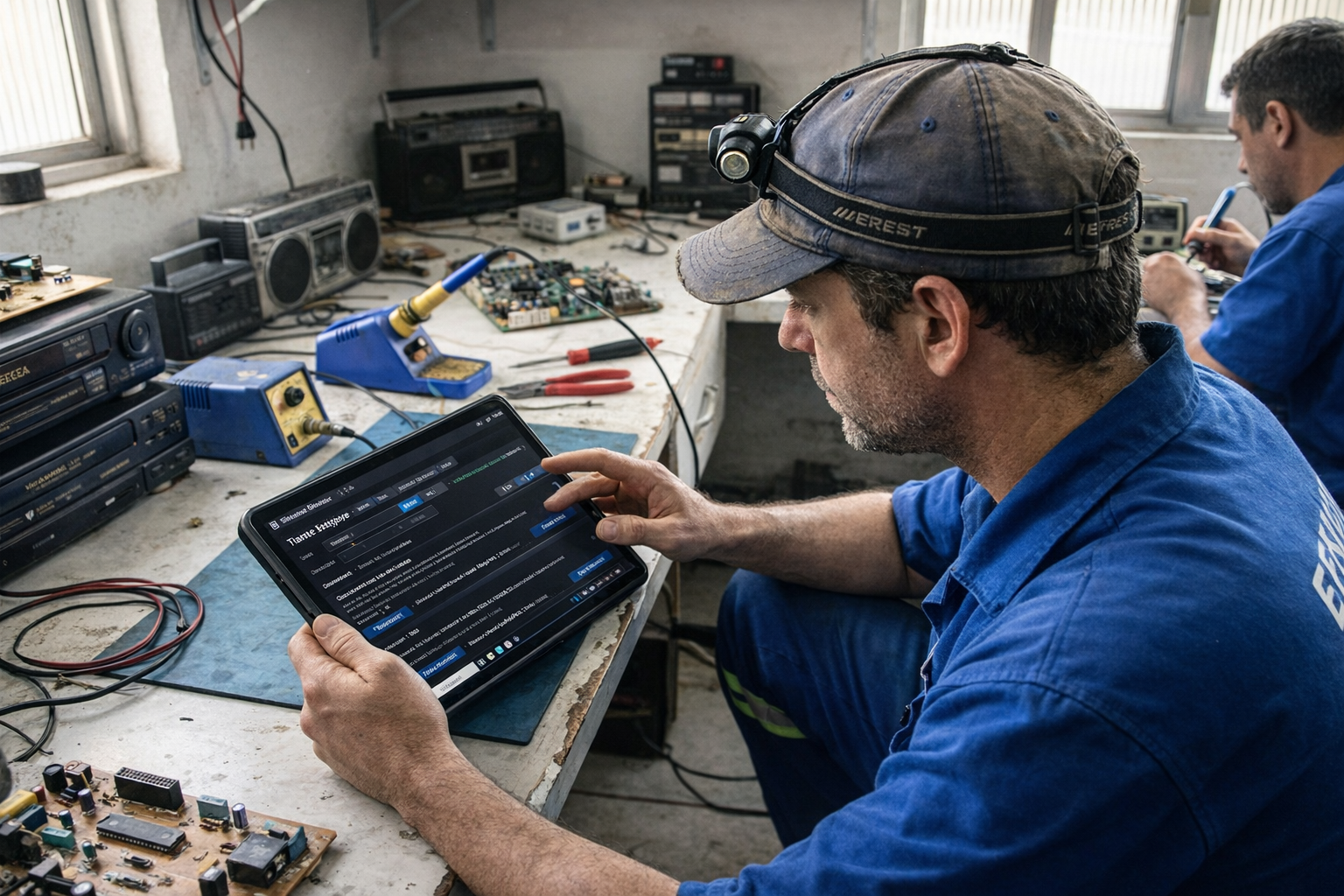
Field service lives on proof, history, and speed. When the volume grows, scattered files become delays, rework and the risk of losing evidence. Koxiv creates a standard: you find everything in seconds, without relying on memory.
If you've ever wasted time looking for a photo, PDF or old report, you already know: folders don't scale with volume.
What normally stops the operation
- ✓Customer asks for history and you need to look quickly
- ✓Photos and PDFs scattered across chat, downloads, and loose folders
- ✓It takes time to prepare a report and gather evidence
- ✓Loss of evidence, such as missing photo, lost PDF or wrong version
- ✓Recurrence: the equipment comes back and you can't find the history
What changes with Koxiv
- ✓Search by client, OS, model, series and report terms
- ✓History accessible in seconds before responding
- ✓Faster reporting because the evidence already appears
- ✓More professional routine, with a clear pattern and less improvisation
- ✓Less dependence on memory and where it was saved
Before vs. after
Koxiv does not change its service. It changes what slows you down: locating history, evidence and documents.
Search for photo, OS and report in despair
You open several folders, scroll through hundreds of images and you're still not sure if that photo is from the right equipment. If repeated, this becomes a waste of time and credibility.
Typical result: delay, rework and discussion with client.
Search by OS, model, series or report terms
You type “OS 1842”, “Acer Nitro 5”, “S/N”, “component change” or “PU short” and finds the material in seconds, with photos and PDFs in the same flow.
Outcome: faster replies, evidence at hand, and a predictable workflow.
Test with 1 real device today
Choose a case with photos, OS and report. Do 5 searches that you would do on the run.
What Koxiv does and doesn't do
For you to hire with clarity, without guesswork, here is the straightforward scope.
✅ What Koxiv does
- ✓Index OS folders, reports, photos, PDFs and technical files
- ✓Allow quick search for terms inside PDF and text reports
- ✓Find material by customer, OS, model, series and references
- ✓Keep history easy to reach when the same unit comes back
- ✓Standardize the routine for you and your team
❌ Koxiv is not
- ✓It is not an OS system; it complements search and indexing
- ✓It doesn't replace your technical process, it just reduces wasted time
- ✓Doesn't require rearranging everything to get started
- ✓It doesn't depend on remembering where you saved it
Think of it as your searchable history. This changes the speed and security of service.
Get started in about 10 minutes
For you to run alone: registration, installation, select folders and search. Do it with a real case and feel the pattern.
✅ Optimal test
Pick a ticket with photos, service #, and report PDF. Try searches like: “ticket 1021”, “S/N”, “capacitor swap”, “shorted rail”, “thermal”, or “cleaning”.
If within a few days it becomes a habit, the subscription usually pays for itself.
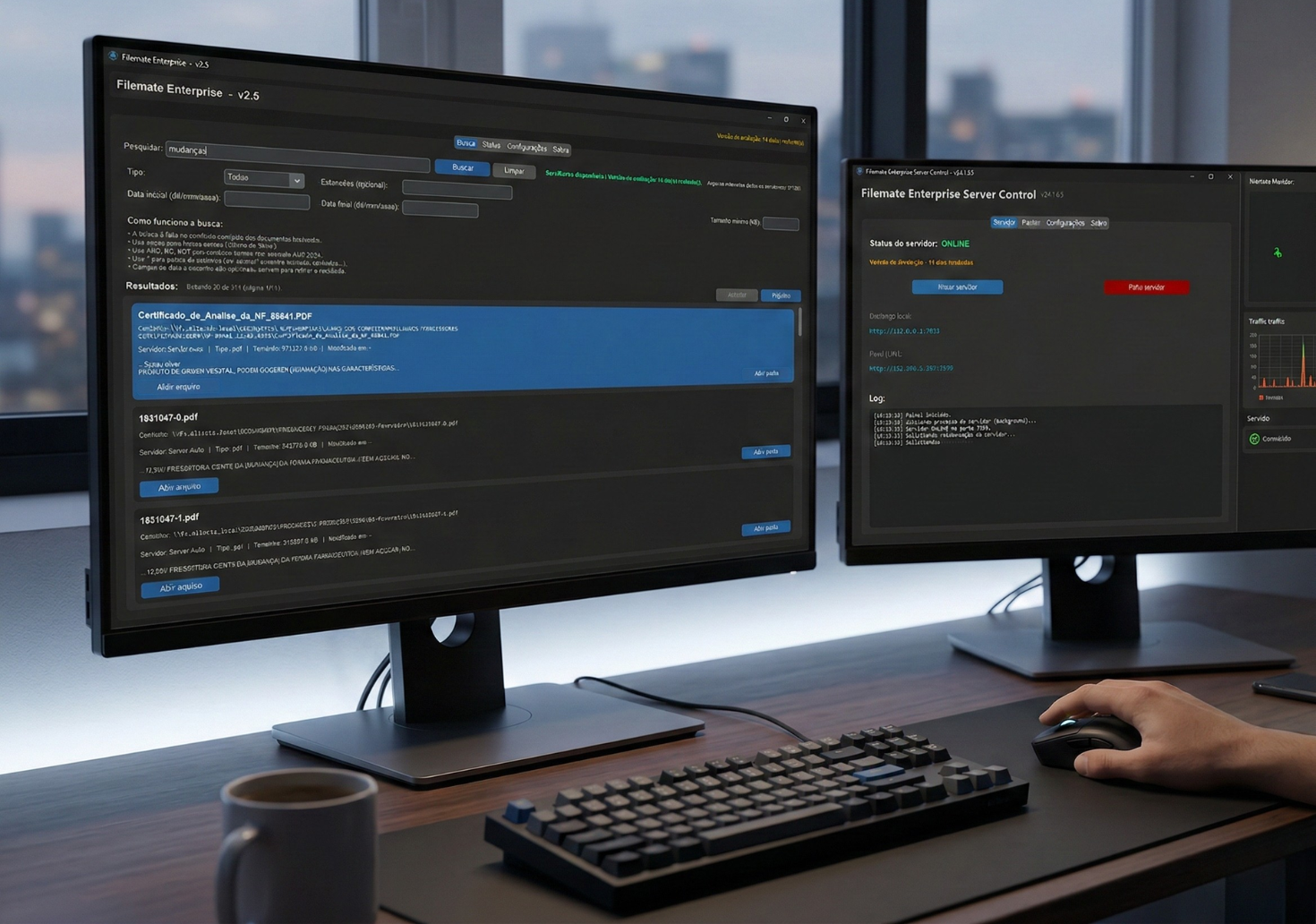
The test is not just to see if it works. It's for you to realize how time consuming the old way is.
Decision checklist
If these points are part of your routine, Koxiv usually eliminates the bottleneck.
📌 Lots of material
You have several OS, reports and photos accumulated per month.
📌 Customer charges quickly
You need to respond immediately and prove the service.
📌 Recidivism happens
The equipment comes back and you need the history immediately.
📌 Evidence is everything
Photo and report must be accessible to avoid discussion.
📌 Folders don't scale
Your current organization works until volume grows.
📌 Want to level up
You want to be more professional without becoming a slave to the file.
Choose the plan and standardize your operation
If your goal is to respond quickly, have a track record, and keep evidence organized, the best way is: activate the test, validate with 1 case and sign with conviction.
FAQ completo
Does it work with photos and PDFs?
Yes. You point out the folders where photos, reports, reports and documents are kept. Koxiv indexes and helps you find everything quickly.
Can I find it by OS, model or serial number?
Yes. As long as this information exists in the file name, structure, or within the report, Koxiv helps you find it quickly.
Do I need to rearrange everything to get started?
No. You start with what you already have. Then, if you want, improve the standard. The first victory is to gain time now.
How soon will I see value?
Usually within a few days. Test with a real case that has photos, OS and report. If this becomes standard, the difference will appear quickly.
Does the free trial have any catches?
No. It is for you to validate with your routine. If it doesn't make sense, you don't sign it.
Does Koxiv replace my OS system?
No. It complements the operation as a search and indexing layer for documents and evidence.
Can I use it on my own?
Yes. You register, install, select folders and test real searches. The page already gives you the full path.
If you've made it this far, you've probably already experienced these pains. Koxiv solves invisible time that disappears every week and that changes your operation.